
Pay a Monroe County Case or Citation on MonroeClerkPay
Once you’ve found the case or citation you want to pay on MonroeClerkPay (see Add a Monroe County Case or Citation on MonroeClerkPay), follow the steps below to finish your payment:
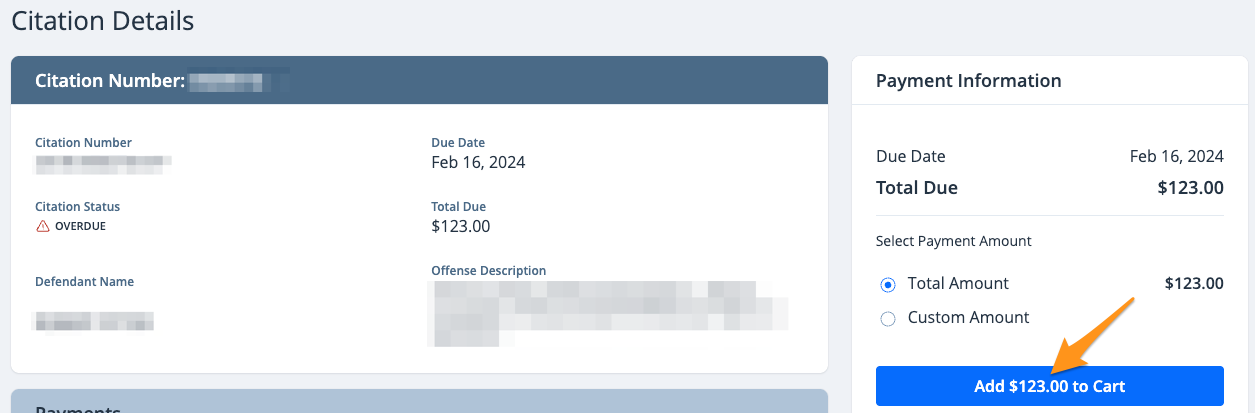
- Select the case or citation you wish to pay and click Add $--.-- to Cart
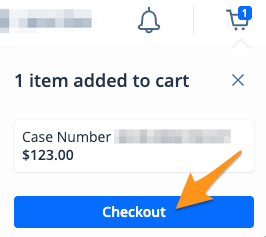
- On the cart notification, click Checkout
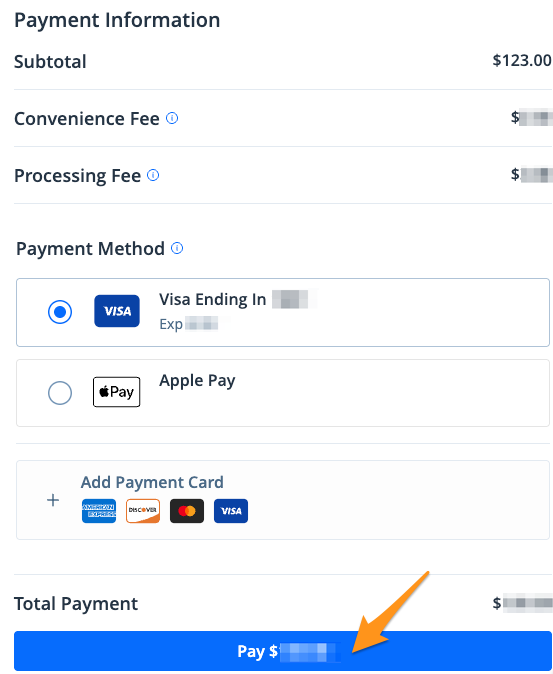
3. Select a payment method and click the blue Pay $--.-- button to complete your payment
When your payment is complete, you’ll receive an email confirmation. A receipt will also be saved to your MonroeClerkPay profile for future reference (see Find a Receipt on MonroeClerkPay).