
Submitting a Monroe County Proof of Compliance Request on MonroeClerkPay
You can now submit your Proof of Compliance request electronically on MonroeClerkPay, without visiting the Clerk’s office. With this form, you can easily upload documents and submit your request for review.
Here’s how to submit your Proof of Compliance request online:
-
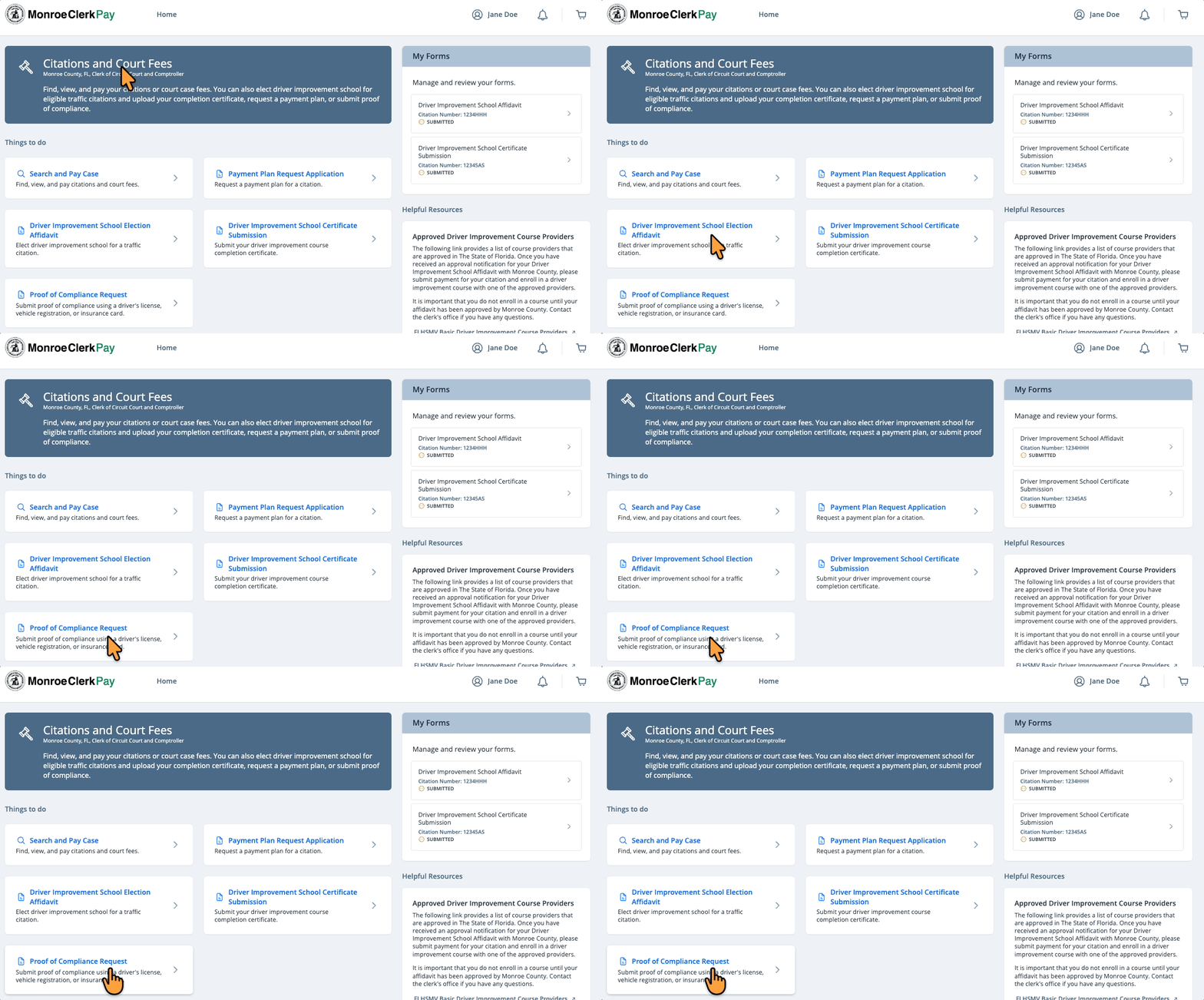
Log in to MonroeClerkPay and select Proof of Compliance Request
-
Enter your citation and contact information
-
Upload your proof of compliance documents (optional)
-
Review the Proof of Compliance Affidavit/Plea
-
Check the box to confirm you agree to the affidavit terms
-
Click Submit
After you submit your request, the Monroe Clerk’s Office will review your information and contact you by email if additional documentation is needed or once your compliance has been processed. You can log in to MonroeClerkPay at any time to review your submitted forms or check for updates.