
Remove a Case or Citation on MonroeClerkPay
You can view any case or citation linked to your MonroeClerkPay profile directly from your dashboard. If you no longer want a case or citation to appear there, you can remove it from your profile by following the steps below.
Note: Removing a case or citation from MonroeClerkPay will not change its status or any amount due, however it will no longer appear on your dashboard at log in.
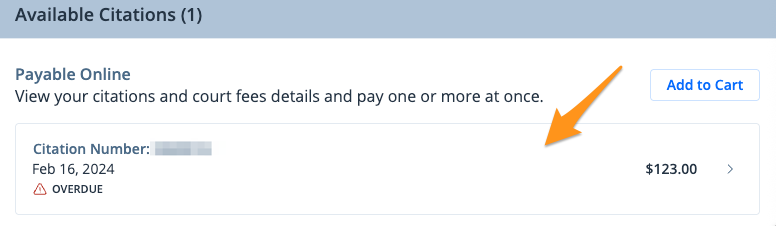
- Select the case or citation you wish to remove
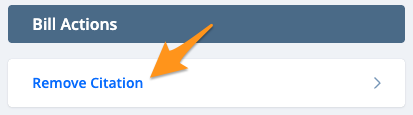
- Under "Bill Actions" click Remove Citation
- ClickAcceptto confirm
Once you’ve completed these steps, the case or citation will be removed from your dashboard. To add a case, see Add a Monroe County Case or Citation on MonroeClerkPay.